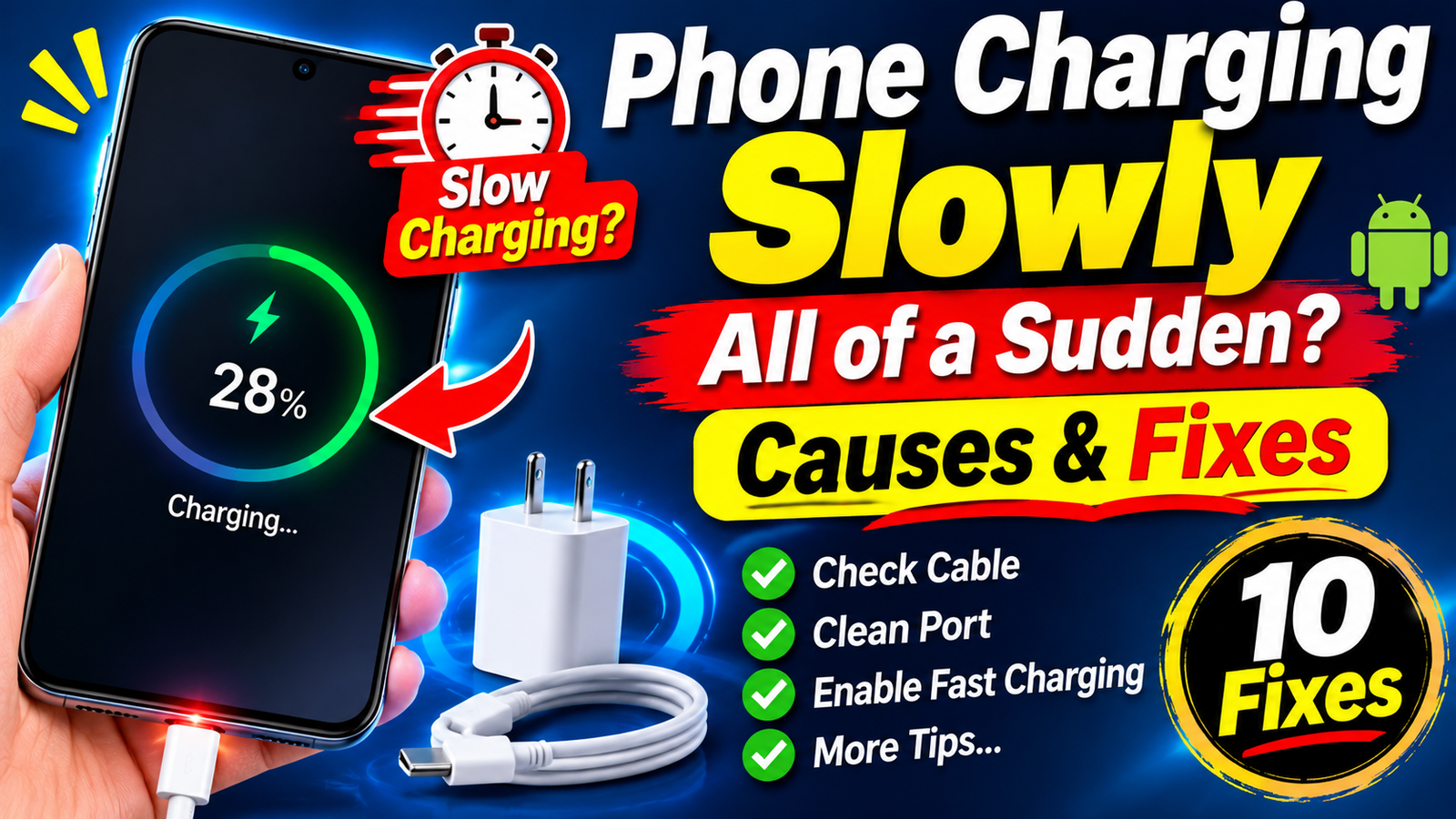
Are you suffering from a phone that is now charging a lot slower? It can take hours for your phone to charge up to 100%. This is a common issue with Android phones including Samsung Galaxy, Xiaomi, Redmi, Oppo and Vivo smart phones.
Your phone isn’t necessarily suffering from a broken battery. Common issues include using a faulty charging cable, incorrect charger, dirty charging port, overheating and incorrect charging settings.
We’ll show you why your phone is charging slowly all of a sudden and what to do to help.
Charging Cable Damaged
One of the easiest things to look out for is a damaged charging cable. The internal cables can get damaged over time.
Try using a different charging cable. Ensure that it is compatible with your phone and a high quality cable.
Solution: Replace any damaged cables. Use a cable that allows fast charging for your phone.
Incorrect Charger
Your phone may not be charging quickly due to an incorrect charger.
An example would be if your phone allows for 25W fast charging but you are using a basic 5W charger.
Solution: Use a correct charger. Check the specs of your charger. Don’t use any damaged or poor quality chargers. Plug into a correct wall socket.
Dirty Charging Port
Debris such as dust, lint and small particles can build up in your charging port. This can cause the cable not to fit well with the charging connector.
You may find your phone cuts off whilst charging.
Solution: Use a torch to check for any debris within the charging port. If there is debris then arrange for it to be cleaned safely. Never use needles, pins, metals or liquids within the charging port.
Device Overheating
Smarts phones have temperature protection systems. If your phone gets too hot it may automatically reduce the charging speed.
Common causes of overheating issues are gaming, direct sunlight, intensive apps and charging under pillows/blankets.
Solution: Don’t use your phone whilst charging. Close any intensive apps. Place your phone somewhere cool and well ventilated. Remove your heat retaining case.
Don’t place your phone in the fridge/freezer.
Fast Charging Turned Off
Some Android phones allow you to turn on/off fast charging.
For Samsung Galaxy phones that support this feature:
Open Settings > Tap Battery > Tap Charging or More battery settings. Look for fast charging and turn it on.
Depending on your phone and software, the names may vary.
Ensure that you have a correct charger and cable to fast charge your phone.
Background Apps Draining Battery
Apps running in the background can drain your battery whilst charging.
Social media, online gaming, video streaming and navigational apps can all increase power consumption.
Solution: Close any unnecessary apps. Reduce the brightness of your phone. Avoid playing games or watching videos whilst charging.
You can also try turning on Airplane Mode whilst charging.
Charging Port Damaged
If you’ve tried using different cables and correct chargers and still have an issue then your charging port may be damaged.
Signs that your charging port is damaged include loose connections, cutting out and only charging when plugged in at a certain angle.
Solution: Don’t fiddle with the cable and have your charging port checked by a qualified technician.
Battery Protection
Some phones have a battery protection system. This can cause your phone to stop charging once it hits a certain % to reduce battery ageing.
Samsung Galaxy phones have a Battery Protection option.
If your phone is not charging past 80% or 85% then check if this setting is on.
Lithium Ion batteries will naturally charge slower as they reach full capacity.
Restart Phone
Sometimes a quick restart can help with software or background issues.
Unplug your charger. Restart your smartphone. Wait for it to fully boot up. Plug in a compatible charger.
Old Battery
Lithium Ion batteries will start to lose capacity over time.
Signs that your battery is deteriorating include low battery life, unexpected shutdowns, strange heating issues and battery percentage dropping quickly.
However, simply because your phone is charging slowly doesn’t mean that you need a new battery. Have it professionally tested.
If your battery is swollen then stop using and charging your phone. Have it replaced professionally.
FAQs
1. Why is my phone charging slowly all of a sudden?
Common reasons for this issue are a faulty cable, incorrect charger, dirty charging port, overheating and fast charging being turned off.
2. Does slow charging mean my battery is broken?
Not necessarily. Check to see if your charger, cable, charging port and phone are overheating.
3. Can I make my phone charge faster?
Yes! Use a fast charger that is compatible with your phone. Avoid using intensive apps whilst charging and ensure your phone is at the correct temperature.
4. Does using my phone whilst charging make it slower?
Yes! Intensive apps will drain your battery and cause your phone to heat up.
5. Should I replace my phone battery?
Only if after proper testing you find your battery is broken or has deteriorated greatly.
Final Words
If your phone is charging slowly all of a sudden don’t assume your battery is broken. Firstly check your charging cable, charger, charging port and if your phone is overheating.
Ensure that you’re using compatible charging accessories and avoid overheating. If you’re still having issues then have your phone battery and charging hardware checked by a professional.